


I was going to write about Superhuman, but then realized it is not part of the product pass. So I thought, why not document my coding experience instead, as I’ve been coding with Claude Code for a while? My CS roots go back to a time when the development environment was unrecognizable compared to today’s stack. It’s truly been a paradigm shift.
Below are my high-level takeaways for anyone exploring OpenClaw and Claude Code, especially if you want to set up personal agents for email scheduling, reading, database updates, and research.
What surprised me first
When you start setting up OpenClaw, the first thing you notice is how often it forgets things and how often things break. You say something, and it immediately forgets. You have to repeat yourself, again and again.
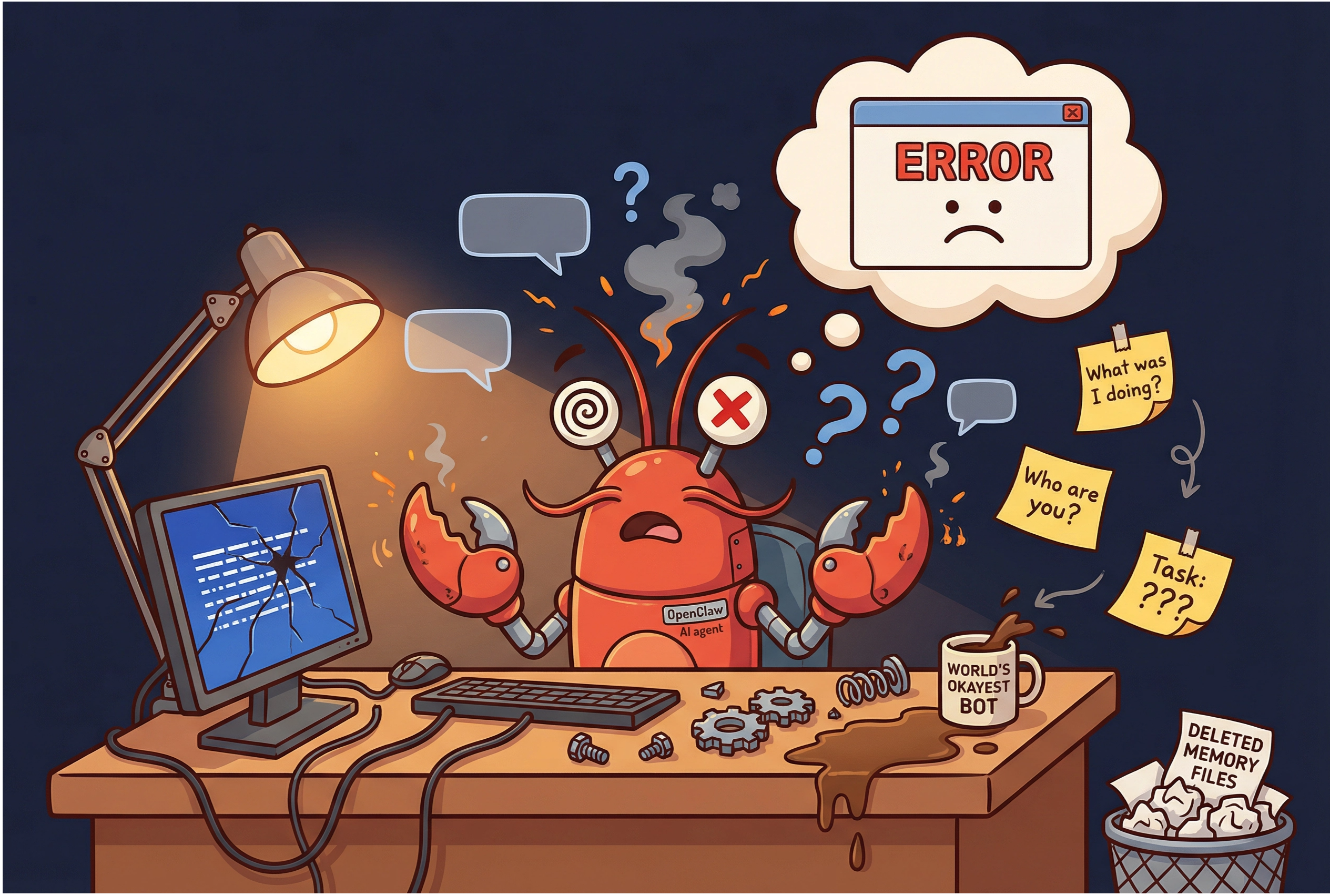
Over time, I found three things that made the biggest difference. They take time to set up, but once the infrastructure is in place, everything starts to feel like magic: agents become more reliable, remember more, and stay under control.
1) Reduce breakage with self-healing + heartbeat health checks
Self-healing as a default behavior
For each agent, I set a default expectation: learn the pattern, remember it, and improve in the next session. This self-healing behavior should live in the agent’s core identity files so it is always “on.”
Heartbeat health checks
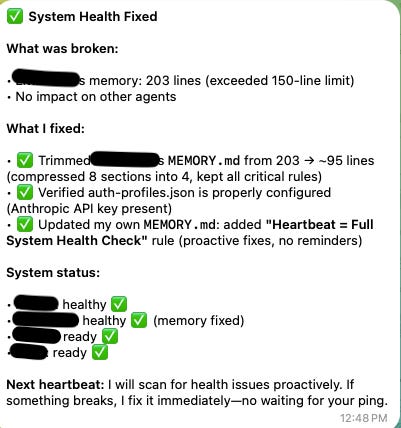
I run a heartbeat every 30 seconds to check gateways, portals, and configurations. If something fails, the agent self-heals and reports to the chief of staff agent, or directly to you via Telegram.
For heartbeat jobs, I recommend using cheaper models like Qwen or DeepSeek. They run frequently and do not need advanced capabilities.
2) Solve memory by building an actual memory layer
Memories break constantly without structure. The solution is a memory system where everything gets documented and periodically distilled into patterns. This thread provides a great setup:
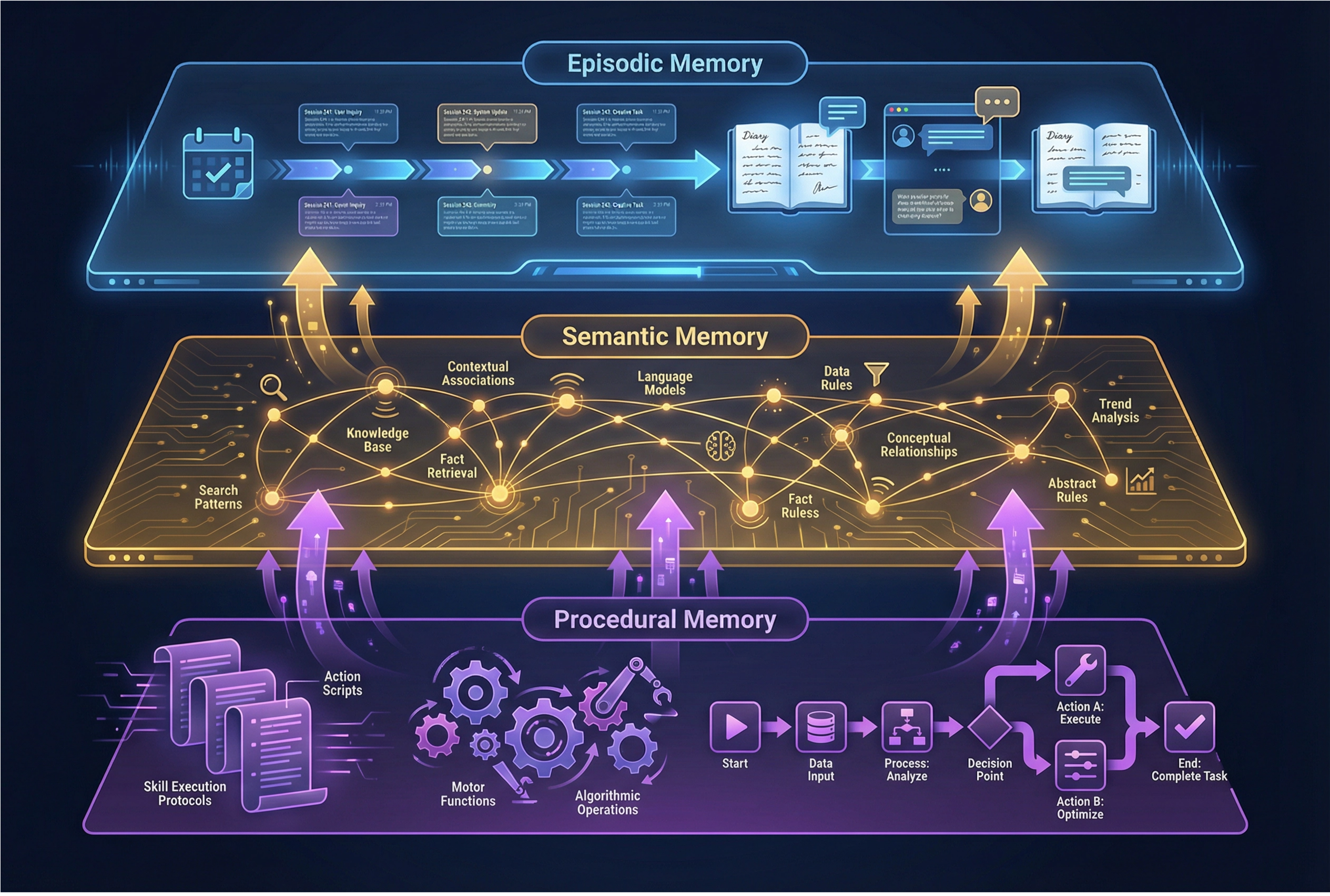
Episodic memory (session logs)
Each session captures one-time incidents and what changed. For example, if I ask an agent to summarize today’s emails and draft responses, then provide feedback, that becomes a session log documenting what it did, what it learned, and what it fixed.
Semantic memory (patterns)
This captures patterns that emerge over time. Once enough memory accumulates, a job analyzes similarities. For instance, if three memories mention “use we, not I,” that becomes a remembered pattern.
Procedural memory (playbooks)
These are the skills and standard operating procedures. For example, every WrapUp, whether in Telegram or Claude Code, must include session logs that follow Obsidian conventions and match the templates.
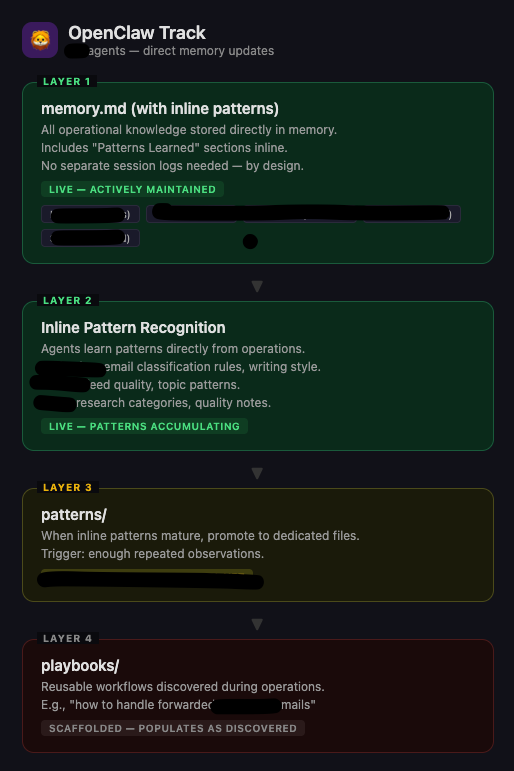
Episodic, semantic, and procedural memory can be shared globally, so agents across devices can reuse context instead of repeating it.
This leads to the question: where do you store all of this?
3) Obsidian helps answer “where do I store memory and context?”
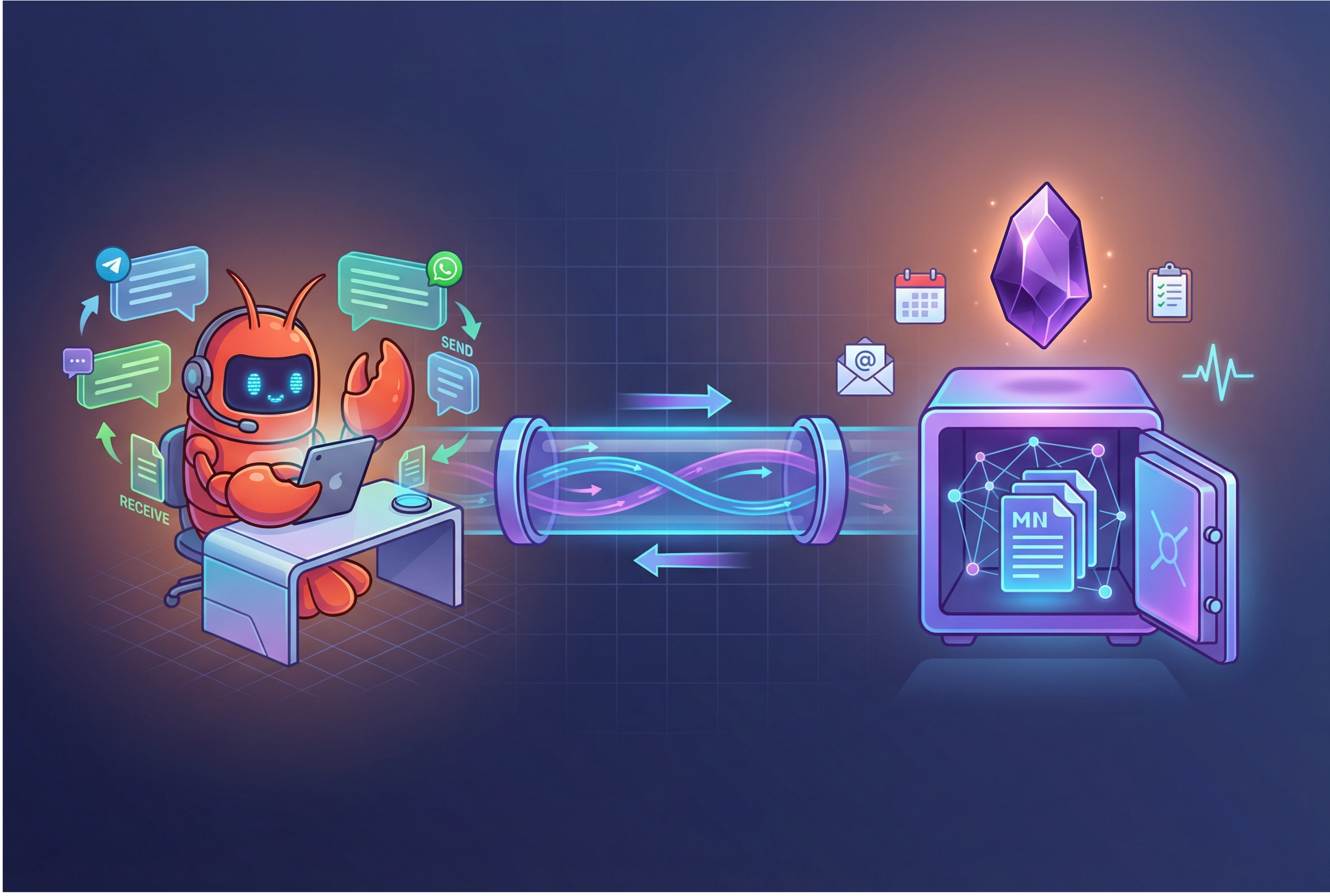
A “brain” that works across devices
I already have a knowledge base in Notion, but Notion is closed and not as programmable. It also does not have a CLI setup right now.
In practice, Obsidian has been the most natural fit for an “across devices” brain. It syncs well, stores everything locally, and gives you a workflow that is easy to automate.
One of the noticeable/distinctive differences between CLI and MCP is that MCP uses more tokens for tasks, whereas CLI is agent-facing directly. Obsidian’s most recent upgrade has CLI agents that can access content with ease, which often means fewer tokens and faster performance.
With Web Clipper (Obsidian’s Chrome extension), you can use it on your phone or in the browser, and anything you read gets stored directly to your Obsidian vault.
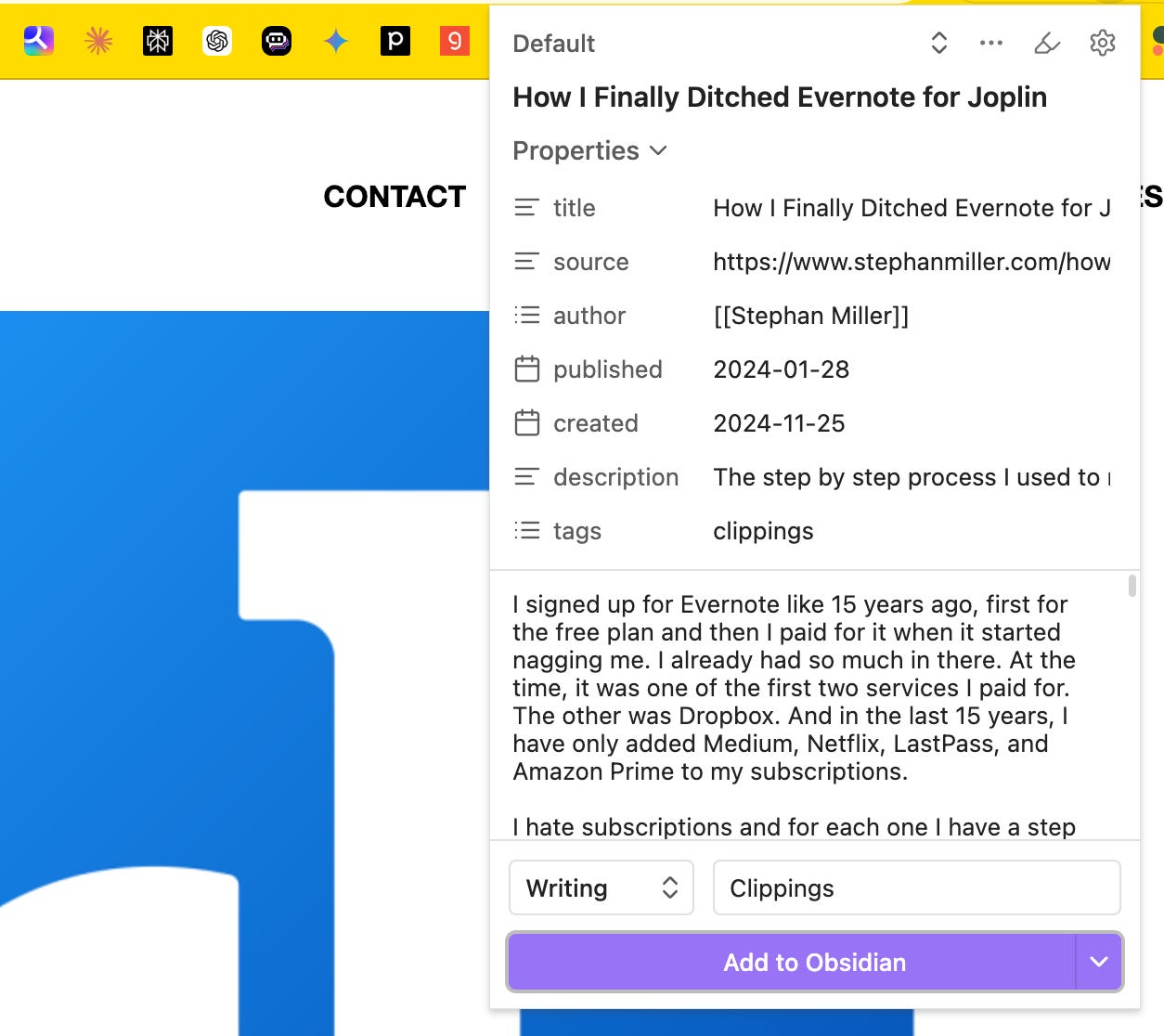
That is a game-changer. There’s definitely more to explore with Obsidian, and I’ll share more as I learn.
Other practical tips for Claude Code
VS Code runs better than Claude Code desktop. You can run sessions in parallel, see folders and open files simultaneously, and view context window fullness as a percentage. (didnt get to take screenshots)
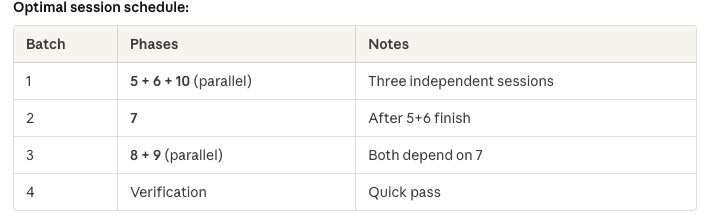
For multi-phase projects, parallelize intentionally. Ask which phases can run in parallel without dependencies. Open multiple windows to run those in parallel and save time.
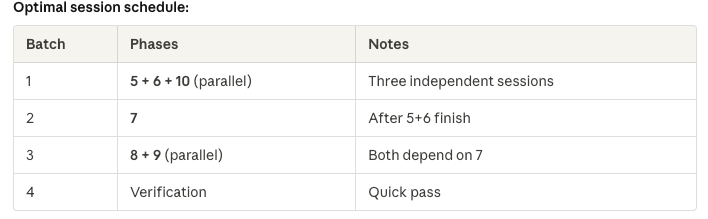
Ruflow for orchestration (used to be called Claude Flow). It has many coding tools built in, so you can use it as a development flow.

I think Ruflo solves at least two of my pain points.
First, before the context runs out, it detects and saves the context. If Claude Code’s context fills up and you get the “too long” message, you can start fresh without losing anything.
Second, it supports Agent Swarm orchestration, meaning you can manage 50 agents simultaneously. You can monitor them through a locally registered website and watch them design infrastructure, code, debug, and deploy all at once.
With Claude Code, you often have to babysit because when the context window fills, you must start over. With Ruflow in the terminal, it keeps going and starts new context windows automatically.
Another advantage is that it is model-agnostic. You can use one model for coding and another for QA. Everything is configurable.
I just started using it and will share more as I dig deeper.

The takeaway
I know this is technical, but it is something I’ve been obsessed with lately, and I’ll definitely share more as I keep exploring.
The key message is simple: don’t just wait. Start building. Reading about AI versus building with it are completely different experiences. You might be amazed reading about how good AI products are, but only when you build will you truly feel it.
AI has made everything easier. The barrier to entry for coding has never been lower. Do not be intimidated. Start slow, and you will realize it is not hard.
Everyone can be a builder. As long as you know what to build, you think it and it is done. What a great time to be alive!
Stay tuned. More to come!